SMILEON / DOCSCANStraighten document photos
Align four corners to correct a document photo’s perspective. Review detected corners and adjust them by dragging, arrow keys or coordinates.
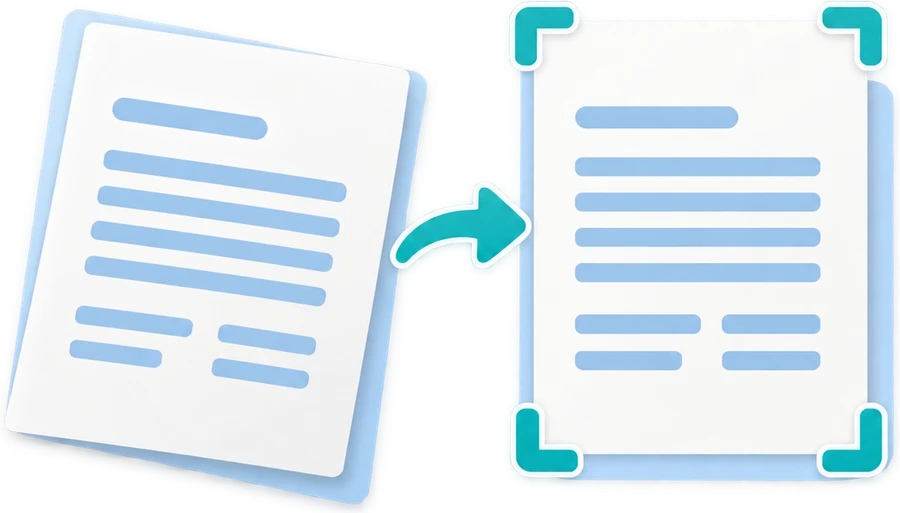 Tool illustration
How to use
- Choose a document photo and review its four corners.
- Adjust corners to include the document edges and all text.
- Review the corrected image and save a PNG or JPEG copy.
What this tool does
- Automatic corner detection with manual correction
- Drag, arrow-key and coordinate controls with source/result previews
File and processing limits
- JPG, PNG or WEBP up to 20 MB, 20 MP and a 12,000-pixel long edge. Each dimension must be at least 16 pixels.
- Saves a PNG or JPEG copy. Large results are reduced to at most 12 MP and a 6,000-pixel long edge.
- Corrects perspective using four corners. It does not flatten curved book pages or restore crumpled paper.
File processing and privacy
Files are processed on your device and are not uploaded to a server. Tool assets load from this site. Use is free, with no sign-in required.
Frequently asked questions
What if automatic corner detection fails?
The photo remains available for manual alignment. Move each corner by dragging, arrow keys or entering coordinates.
Can it flatten a curved book page?
No. This is four-corner perspective correction, not page-curvature or paper-crease restoration.
Do I need to upload my file?
No. Your selected file is processed in your browser. No account is required, and the original file stays unchanged.
 Smileon